
macOS
TimeZoneBar
Find a time that works across timezones.
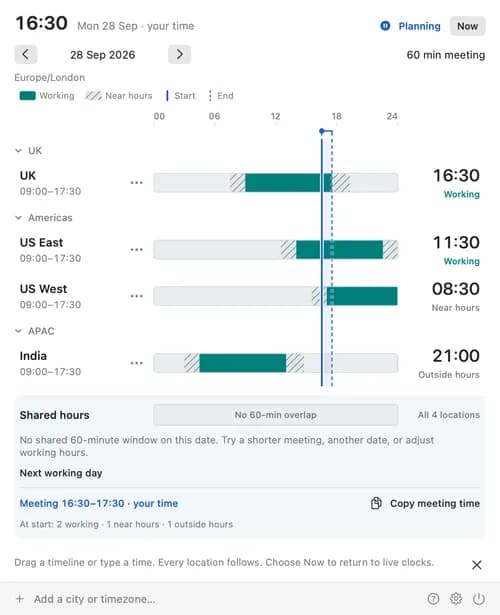
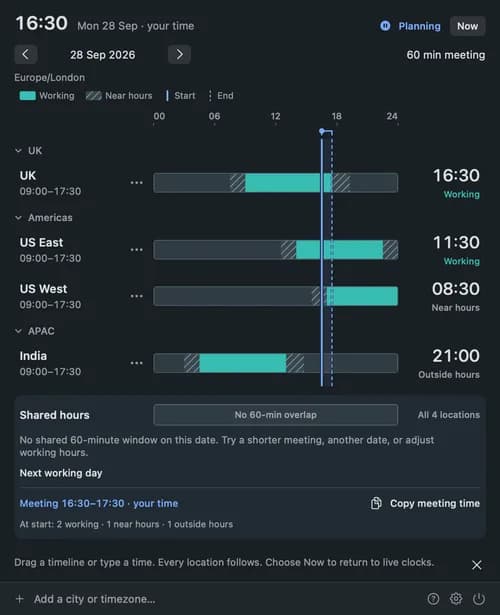
Keep your team's local times in the Mac menu bar, then open a shared timeline to plan a meeting. Add cities, set working hours and compare a date and duration across every location. Drag the timeline or edit any clock and they all move together; suggested starts fit the whole meeting inside everyone's working hours. Copy a dated summary into your message or calendar invitation. Built for macOS 14 and later, with light and dark appearances, customisable clocks and optional launch at login. No account, no tracking, and your settings stay on your Mac. Coming soon to the Mac App Store.